Get OpenClaw Running Fast: Install, Onboard, and Send Your First Message
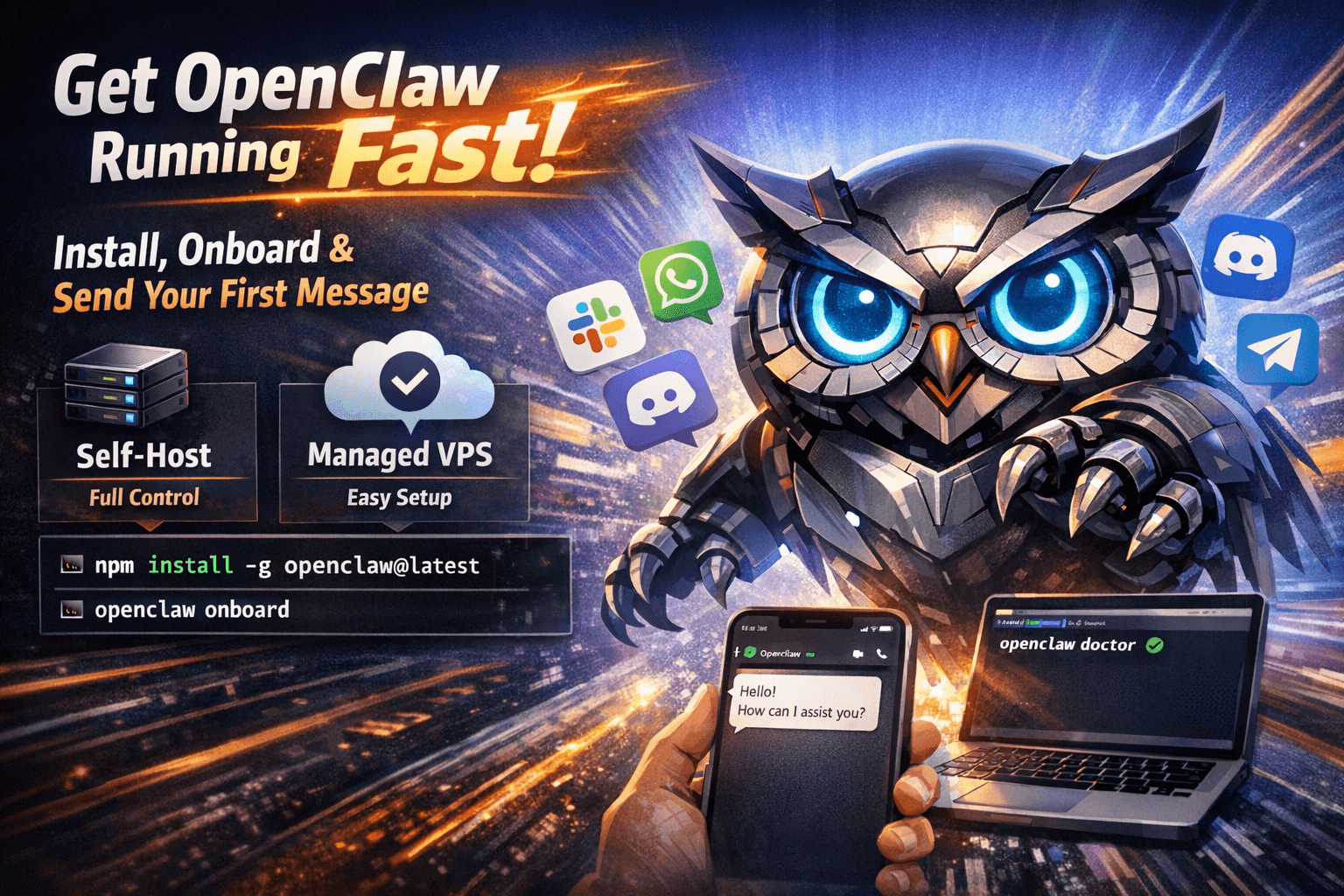
Fast path: install OpenClaw globally with npm install -g openclaw@latest, then run openclaw onboard to wire up models, channels, and your workspace. Prefer not to touch the terminal? TryOpenClaw VPS gives you a ready-made instance instead.
What OpenClaw is (in one paragraph)
OpenClaw is an open-source personal AI assistant you run on your own hardware or VPS. Your prompts, workspace files, and channel traffic stay under policies you define—not a generic SaaS terms screen. You can talk to it through apps you already use (WhatsApp, Telegram, Slack, Discord, Signal, iMessage, and more) once channels are configured, which makes it feel less like "another dashboard" and more like a teammate in your existing flows.
Two paths: self-host or managed
- Self-host — full control: you choose the machine, patch schedule, backups, and networking. You also own troubleshooting when something drifts (Node upgrades, OS permissions, port conflicts).
- Managed hosting — TryOpenClaw VPS runs OpenClaw for you with a predictable environment so you spend minutes onboarding instead of weekends babysitting daemons.
Before you install (self-host checklist)
- Node.js 22+ — check with
node --version. Older runtimes are the #1 source of cryptic install failures; fix that before you chase anything else. - OS support — macOS and Linux are first-class for most workflows. On Windows, WSL2 is usually smoother than native shells for long-running services and path quirks.
- Disk and RAM — budget space for logs, model caches if you go local-LLM, and skill data. 8 GB RAM is a practical floor; 16 GB removes a lot of friction if you multitask or run heavier tools.
Step 1 — Install the CLI
npm install -g openclaw@latest
If your environment uses multiple Node versions, install into the same runtime you will use for day-to-day commands. Mixing global installs across nvm/fnm shells is a common source of "command not found" right after a successful npm line.
Step 2 — Onboarding wizard
openclaw onboard --install-daemon
The wizard walks model credentials (cloud API keys or local endpoints), messaging channels, workspace layout, optional skills, and—critically—a background service so OpenClaw survives terminal closes and laptop lids. Treat the first pass as a skeleton: you can add channels later, but getting a single reliable loop (model + one interface + doctor clean) pays off immediately.
Step 3 — Sanity check with doctor
openclaw doctor
Doctor aggregates environment checks: binary on PATH, expected ports, credential files, and common misconfigurations. When something fails, fix the first red item and re-run—cascading errors often collapse once the root cause is gone.
Step 4 — Send your first message
After a channel is linked, ping OpenClaw from that app with something concrete: "Summarize my last note" or "What is my calendar like tomorrow?" For a CLI-only smoke test, try openclaw agent --message "What can you help me with?" and confirm you see a structured reply.
Understanding the gateway
Most setups expose a local gateway that ties together tools, browser automation, and channel bridges. If something feels "offline" while the daemon runs, verify the gateway port matches what your skills expect, and that nothing else on the machine grabbed the same port after a reboot.
Updates without drama
OpenClaw ships frequently. A lightweight habit is: pull the latest global package on a cadence you can keep (weekly is plenty for many people), run doctor, and skim release notes when you rely on a specific skill. Managed hosting trims this further because the runtime is standardized.
When something breaks
- Port conflicts — try another gateway port, e.g.
openclaw gateway --port 18790, then align skills/config to the new value. - Stale Node or mixed shells — align nvm/fnm default, reinstall the global package, open a fresh terminal, re-run doctor.
- macOS permissions — Accessibility and Automation prompts exist for a reason; approve the terminal or service identity you actually launch OpenClaw from.
If you would rather skip the toolchain
You do not have to earn a working assistant by fighting local dev environments. TryOpenClaw VPS is aimed at exactly that: a managed OpenClaw instance with sane defaults so you can focus on prompts, channels, and outcomes—not init scripts.